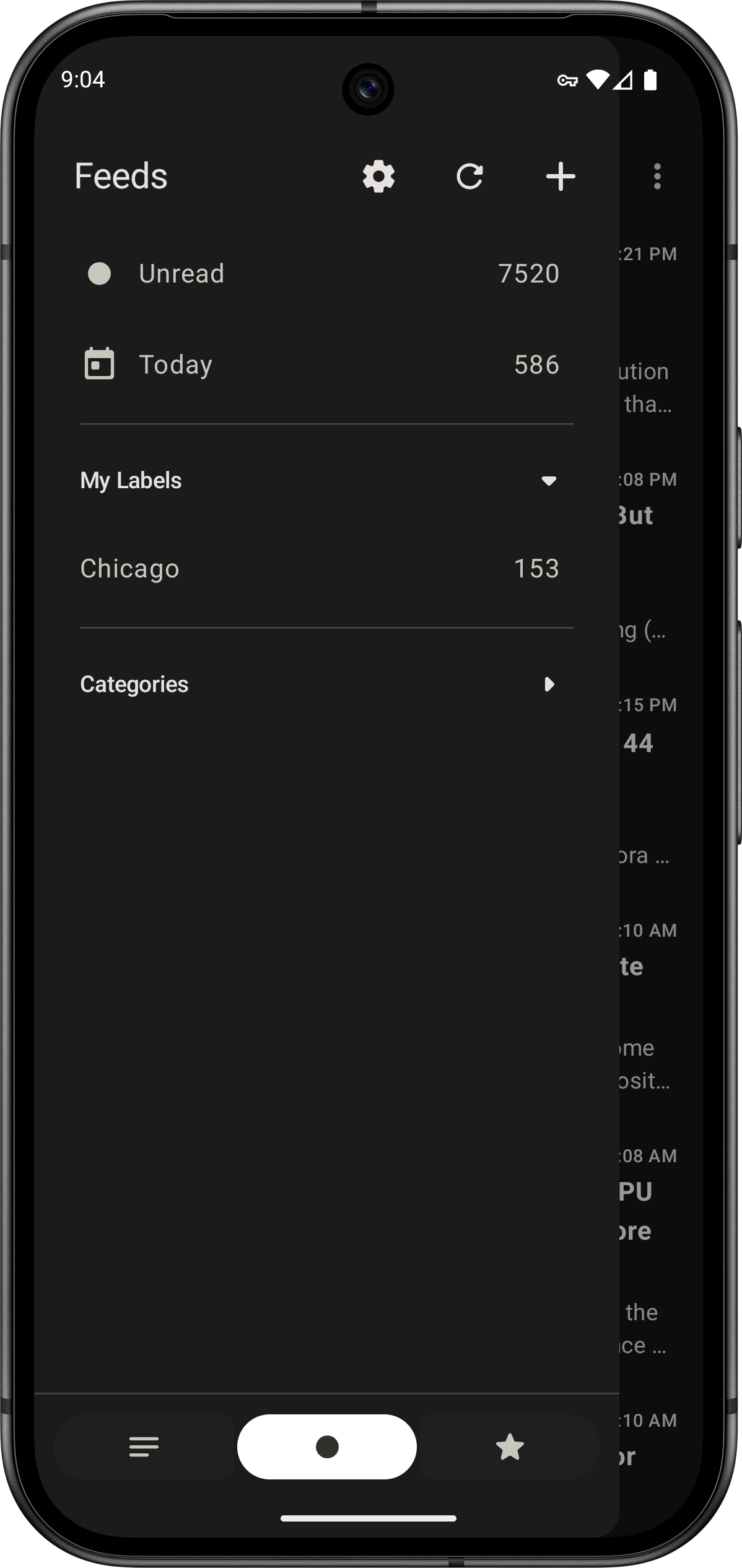
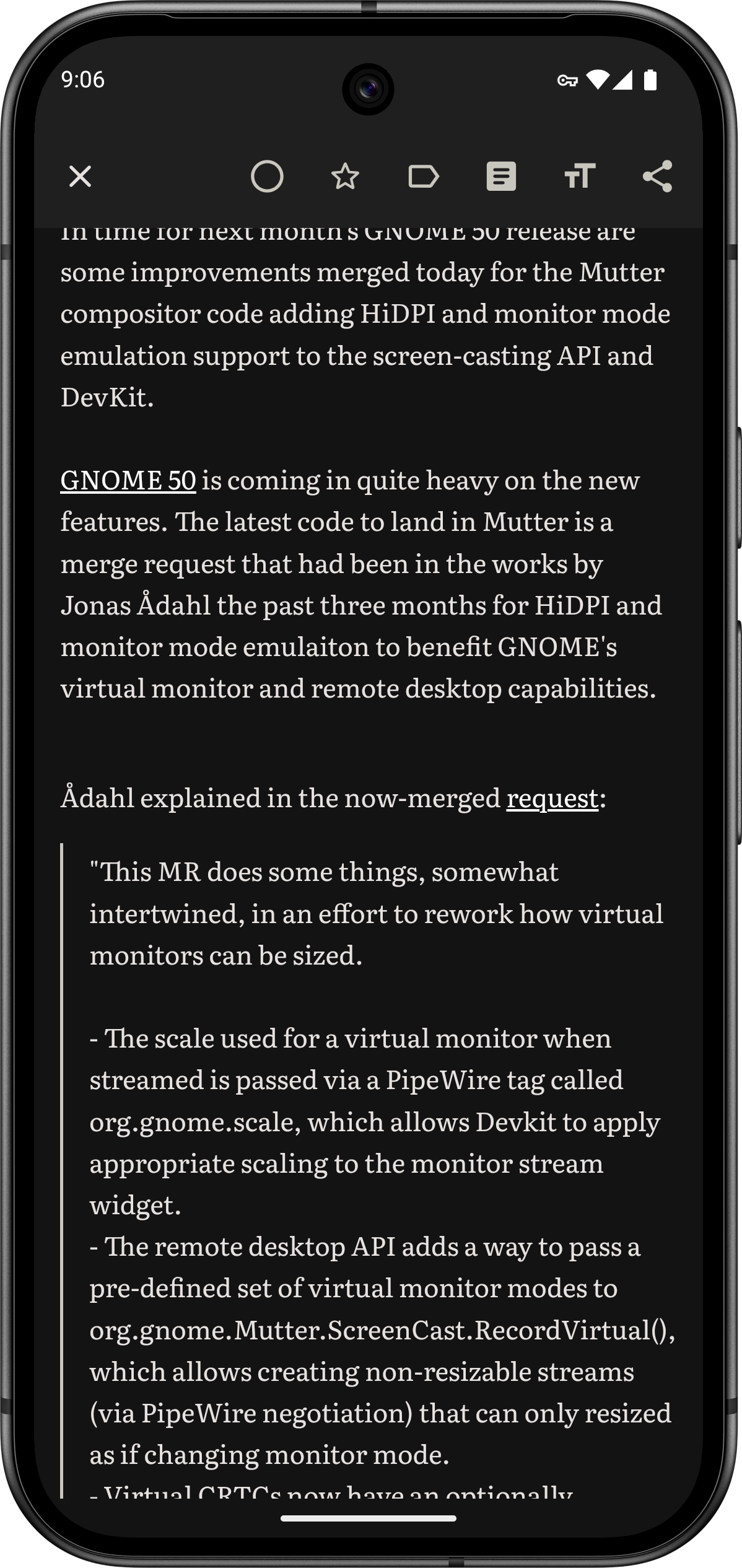
I’m excited to announce initial Miniflux support in Capy Reader in version 2026.01.1189. While it was possible to use Miniflux via the Google Reader API, this latest version of the app calls Miniflux’s API directly. Right now the feature set is just the essentials
- Add, remove, and update feeds
- Add and edit categories
- Fetch new articles, and mark articles as read and starred
These should cover all the same features as the Google Reader API, but let me know! If you notice anything missing, let me know on GitHub or if you have feature suggestions that are specific to the Miniflux API. I’m already planning to investigate Miniflux’s save feature for example.
Enabling Miniflux
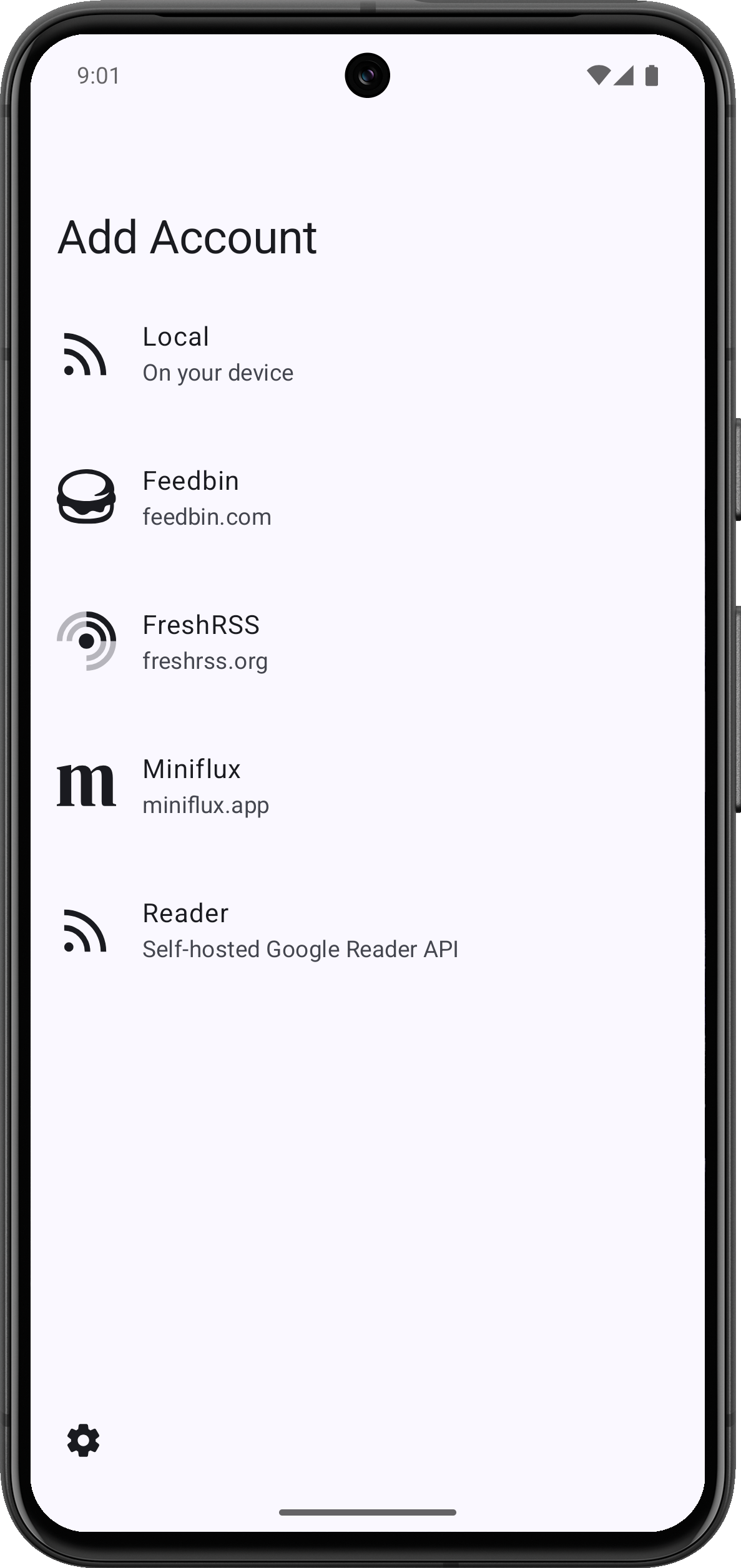
To get started, select “Miniflux” on the account screen and enter your username and password.
If you’re signed in to Google Reader API, just sign out in Settings > Account > Log Out, and then select Miniflux on the account screen. Note that API Keys are not yet supported, but I’m open to feedback on this, especially if you know of any other apps that have this feature already.
Other Tweaks
I’ve enabled the audio player by default in the latest version. The audio player has been behind an experimental flag for the past few versions, and is now ready for general use. This version includes improvements for FreshRSS by de-duplicating enclosures and showing counts for “My Labels.”
If you enjoy these updates consider leaving a tip on Ko-fi or sharing the app with others! As ever, thanks for using Capy Reader.